Changelog
Follow up on the latest improvements and updates.
RSS
new
improved
fixed
Release 17 - Auto Sync
New
Auto-sync for connections:
- Introduced an automatic synchronization feature for connections, enhancing data consistency and reducing manual update requirements. You can now automatically sync your data from Google Sheet or Air Table on a daily, weekly or monthly basis.
Improved
Enhanced forms and submissions management:
- Improved sorting capabilities for forms and submissions, allowing for better organization and quicker access to relevant data.
- Implemented advanced filtering options, providing users with more precise control over displayed information.
- Optimized table layouts for both forms and submissions, improving overall usability and data presentation.
Fixed
Open Graph image functionality restored:
- Resolved issues preventing open graph images from working correctly. Users can now expect proper image previews when sharing links on social media platforms and messaging apps.
These updates aim to improve user experience, data management efficiency, and social sharing capabilities within the application.
new
improved
fixed
Release 16 - New Routing Feature
New Features
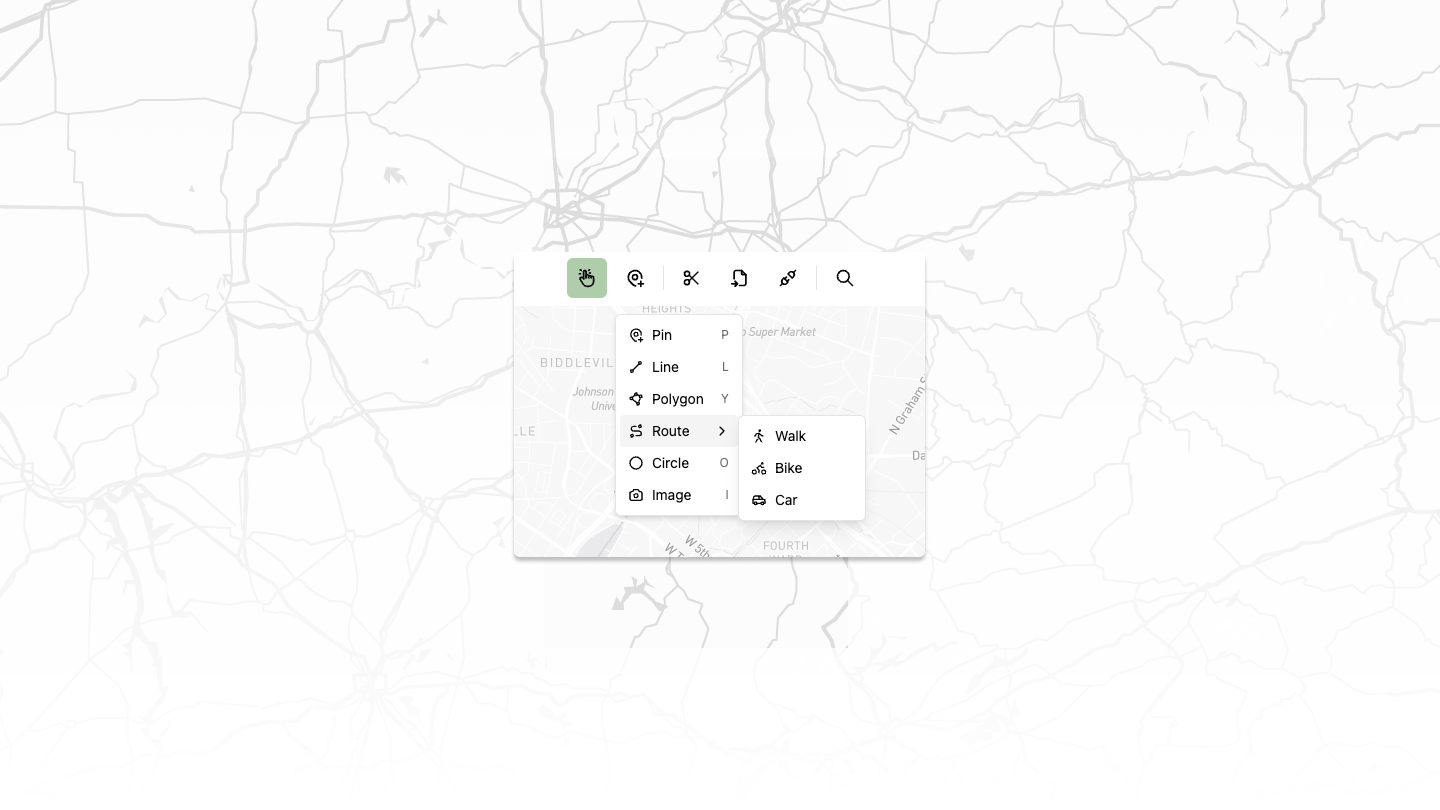
Basic Routing
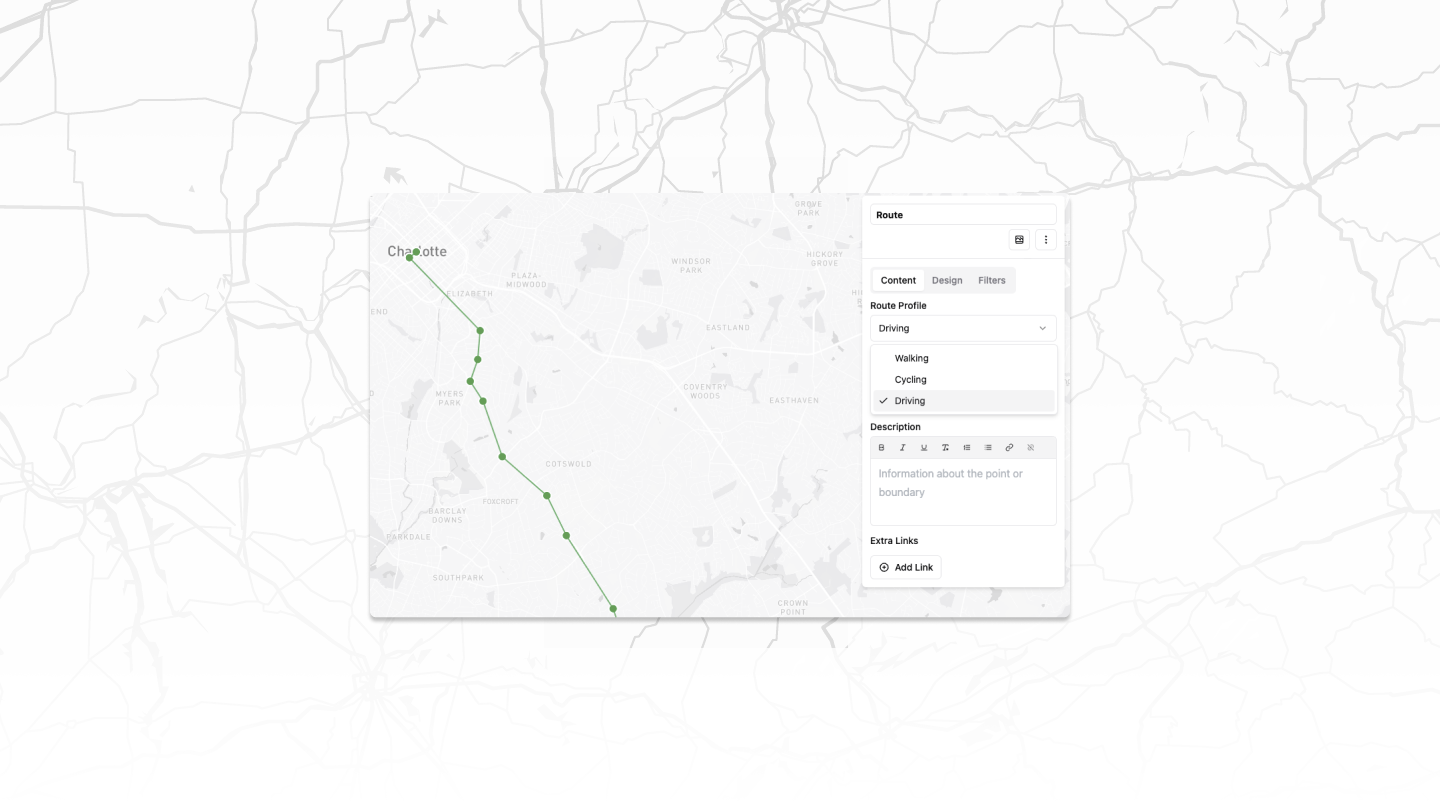
Introduced routing capabilities for multiple transportation modes:
- Biking
- Walking
- Driving
Improved Styling Options
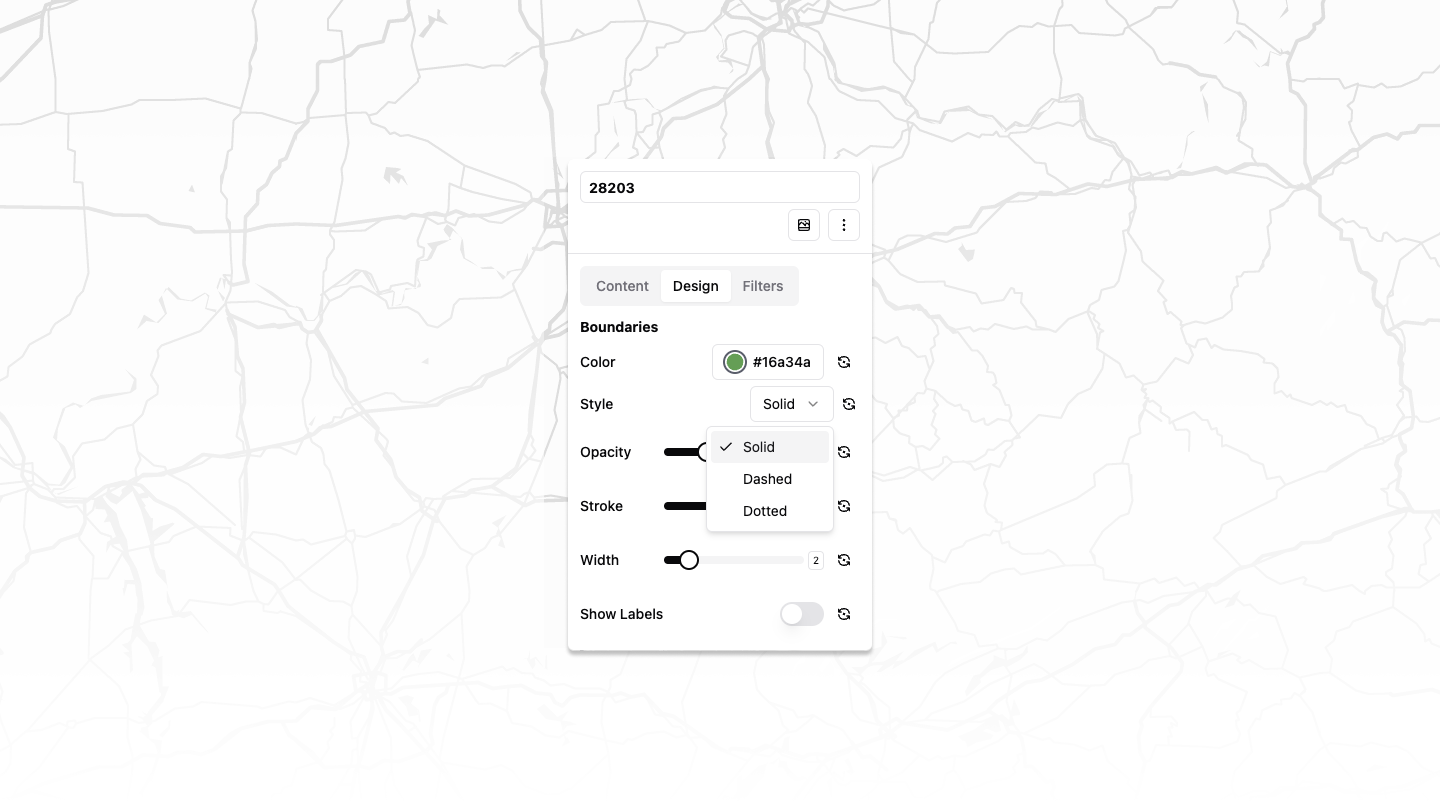
Added new styles for polygons and lines:
- Solid
- Dashed
- Dotted
Enhanced Map Editing
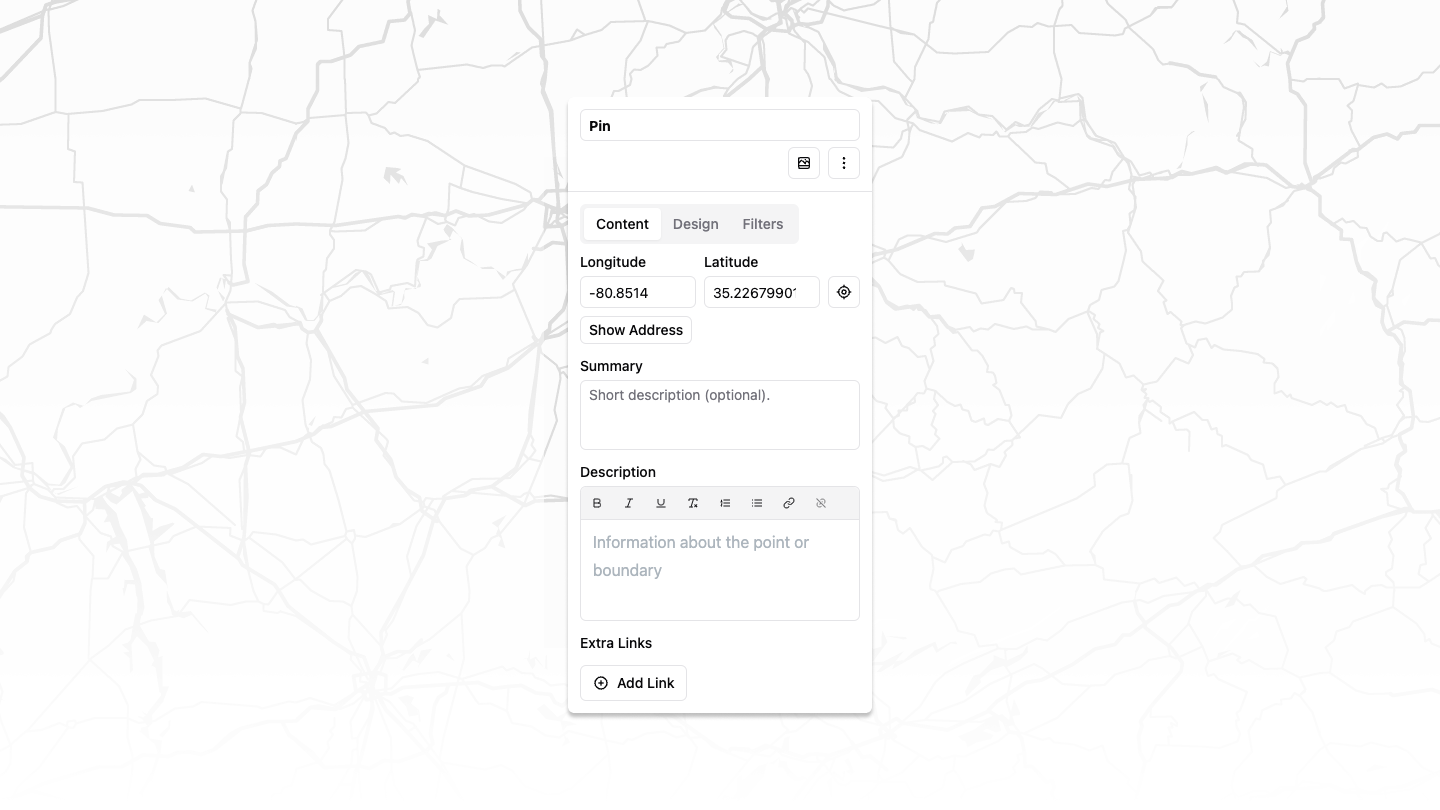
Implemented multi-select functionality for polygons
Added ability to manually update latitude and longitude of points
Fixes
Airtable
- Fixed and enhanced Airtable integration
- Now supports adding specific table views
- Allows for images and other complex Airtable objects
Improvements
Intuitive Map Toolbar
Redesigned map toolbar for a more user-friendly map editing experience
These updates significantly enhance our mapping capabilities, offering users more flexibility in route planning and map customization while addressing key integration issues.
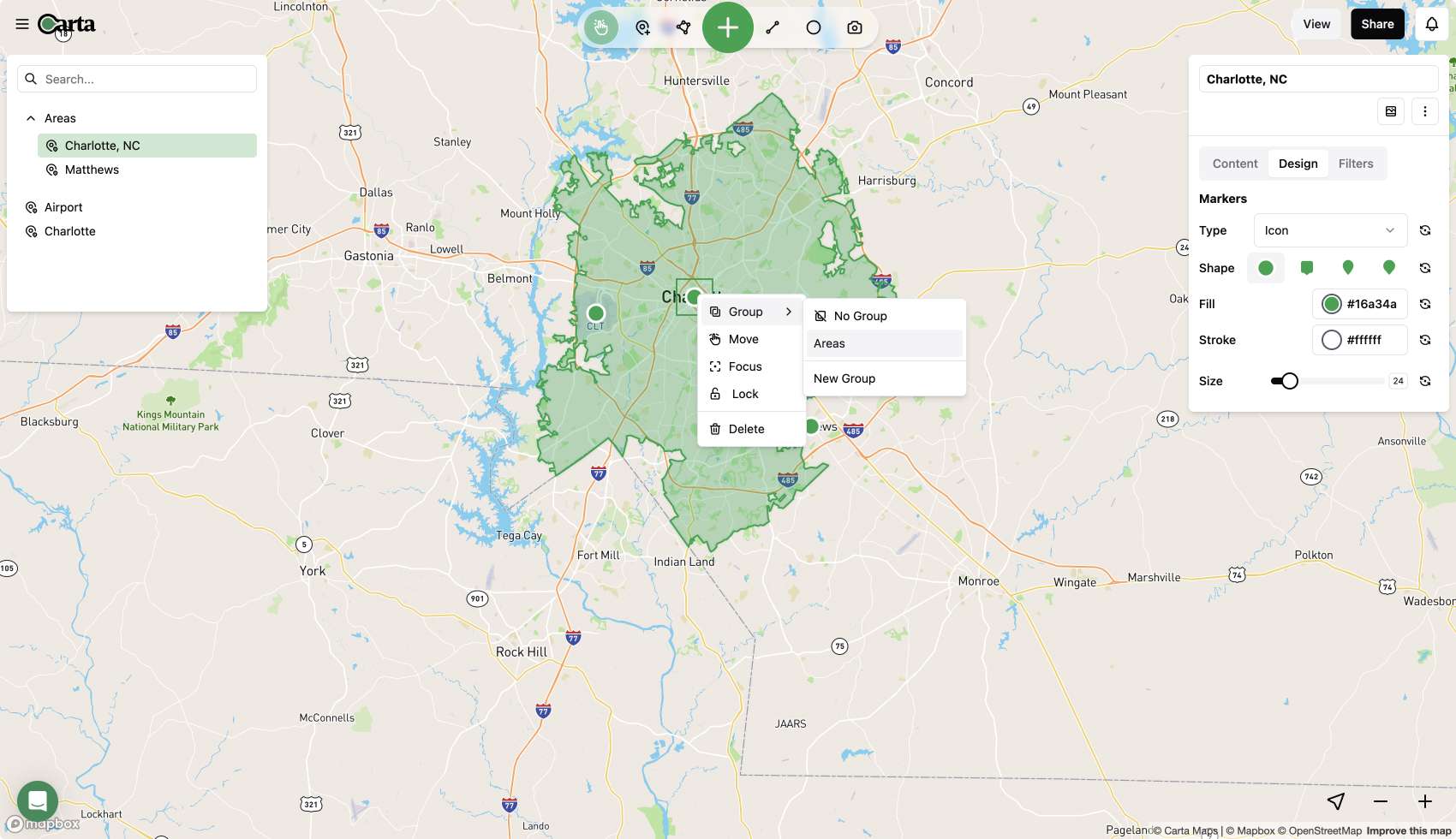
Today, we are excited to introduce a game-changing update that brings real-time collaboration and an intuitive interface to the forefront of your map creation experience.
Redesign and Team Collaboration
We heard your feedback, and we've completely revamped the map editor to provide a map creation experience like never before. The new user interface (UI) is not just an improvement; it's a transformation.
Intuitive Interface for Effortless Map Editing
The new UI is more intuitive and offers a significantly enhanced map editing experience. Whether you're an individual user or part of a team, you'll notice the difference immediately.
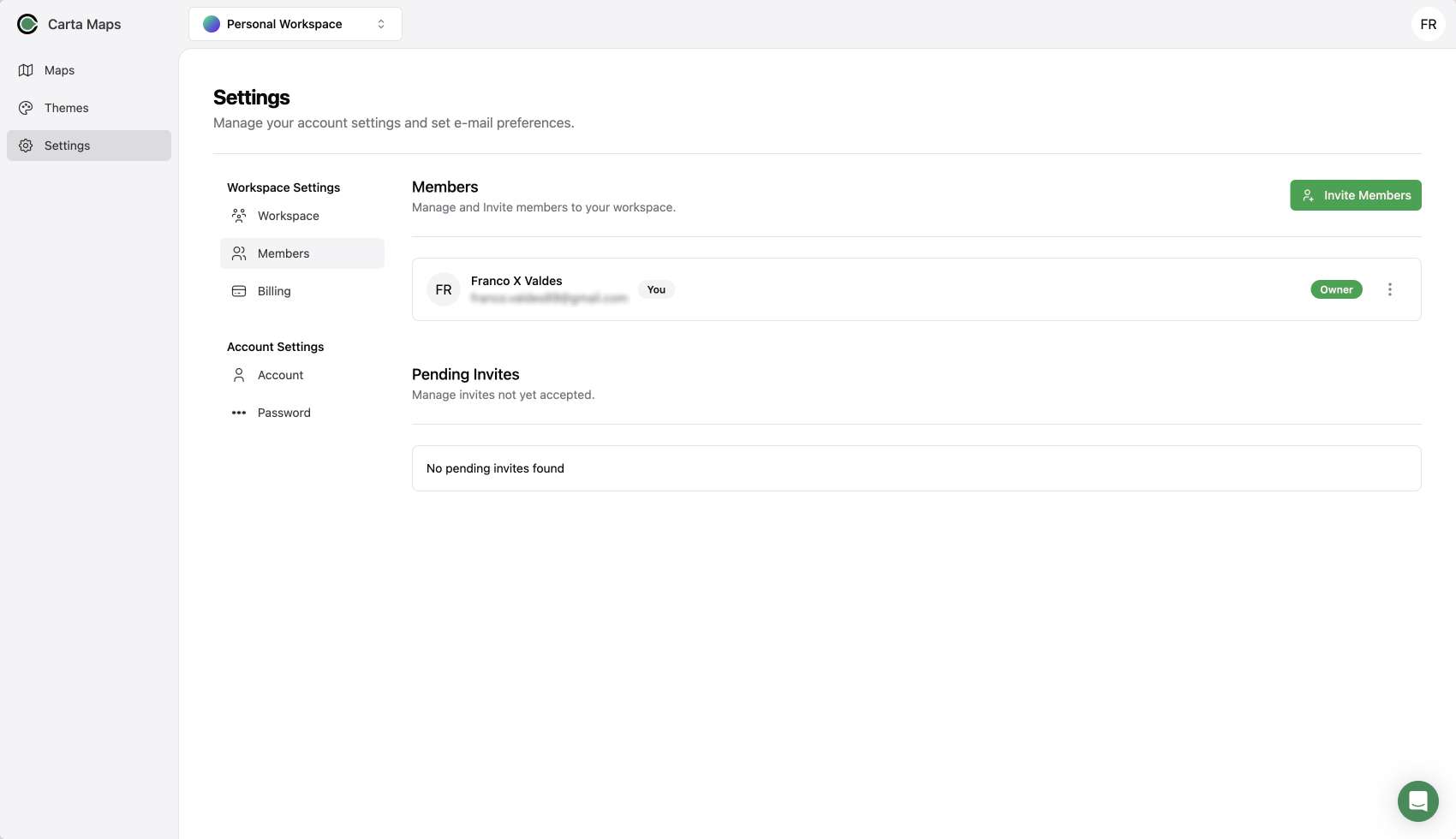
One of the standout features is the ability to invite your team members to your workspace. Now, multiple people on your team can have access to Carta Maps, making collaboration seamless.
Streamlined Map Editing
We've streamlined the map editing process, allowing you to manage your categories and map points all in one place. With the new interface, you can seamlessly drag and drop between categories or bulk select pins and assign them to a category.
Additionally, the new UI comes packed with keyboard shortcuts, empowering power users to speed through map editing tasks.
Intuitive Interface: Clutter-Free and Customizable
Our new interface is designed to offer a clutter-free experience that puts the map front and center. Listing, filter, and editing panes pop up intuitively when needed, allowing you to edit maps while keeping your focus on what matters most—the map.
Even better, all panes are customizable. You can toggle panes on or off to get more or less of the map on the screen, tailoring your workspace to your liking.
Real-Time Collaboration, Always in Sync
Imagine an editing experience where everything is updated in real-time. With Carta Maps' latest feature, this isn't just a dream; it's a reality.
As you and your team members work on maps, everything is updated instantly, allowing you to see progress from other editors as it happens. It's like having a virtual workspace where everyone is on the same page, working collaboratively in real time.
Available for All Users
We're excited to announce that the new interface is available to all Carta Maps users. You can start benefiting from the enhanced map editing experience right away. However, for those looking to unlock the full potential of team collaboration, our new team plan is here to meet your needs.
What's Next: Exciting Updates on the Horizon
We're not stopping here. Carta Maps is committed to continuous improvement. In the pipeline, we have an undo/redo feature that's almost complete. You can also look forward to more real-time updates, allowing you to see your collaborators' cursor and selected map elements. Plus, there's a new AI assistant on the way to help you make maps even faster.
Thats a wrap
Ready to experience the future of map creation? Simply log in, and the new editor will be there, waiting for you. If you're interested in utilizing the team collaboration features, don't hesitate to contact us or upgrade to the team account in your dashboard.
Another month down and another release out. This one is exciting since it includes two great features many map makers have been asking for, Clustering of markers and a public API.
Clustering
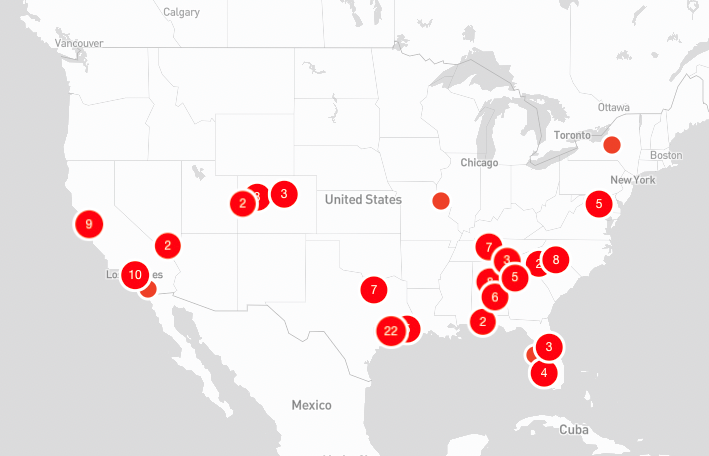
Now by default any markers that would normal overlap or collide, will be grouped into a cluster. Clicking a cluster will zoom you in enough so that each marker can be visible without overlap.
In some cases, markers are just too close and cannot be split up. For these one off instances, clicking the cluster will open popups for all markers in the cluster group.
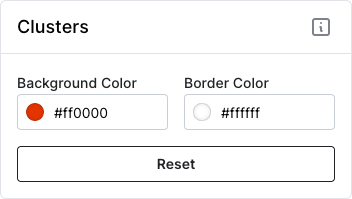
Before you ask, yes, clusters are also customizable so you can keep all aspects of your map branded to your liking.
API
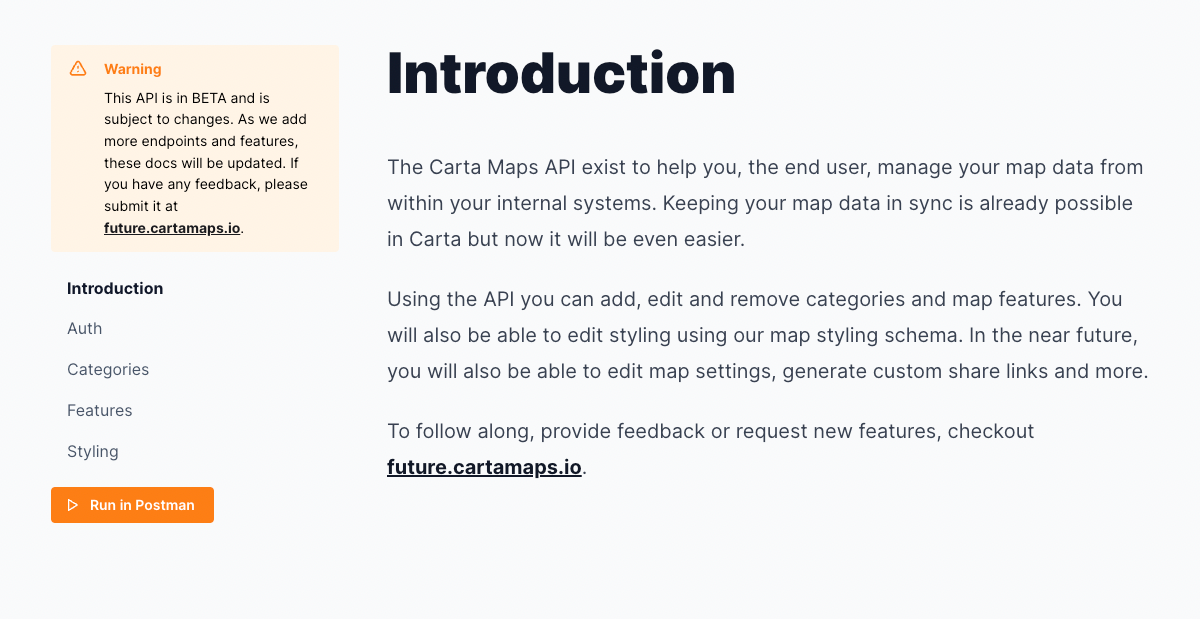
Our new API is ready to go! Now pro account users can leverage the API to keep their maps in sync with their internal tools and systems. Head over to our new documentation page to learn more about what is possible.
Fixes
- Fixed a bug when hiding categories was not hiding boundary features
- Fixed a bug when very thing line strings (paths/routes) were not clickable
- Fixed a bug where the filter dropdown would grow indefinitely, added a max height and ability to scroll within.
new
improved
fixed
1/17 - Release 13
Multiple Image Uploads
You can finally have more than one image per location in your popup! It changes from a static image to a carousel that your viewers can easily swipe through.
Export
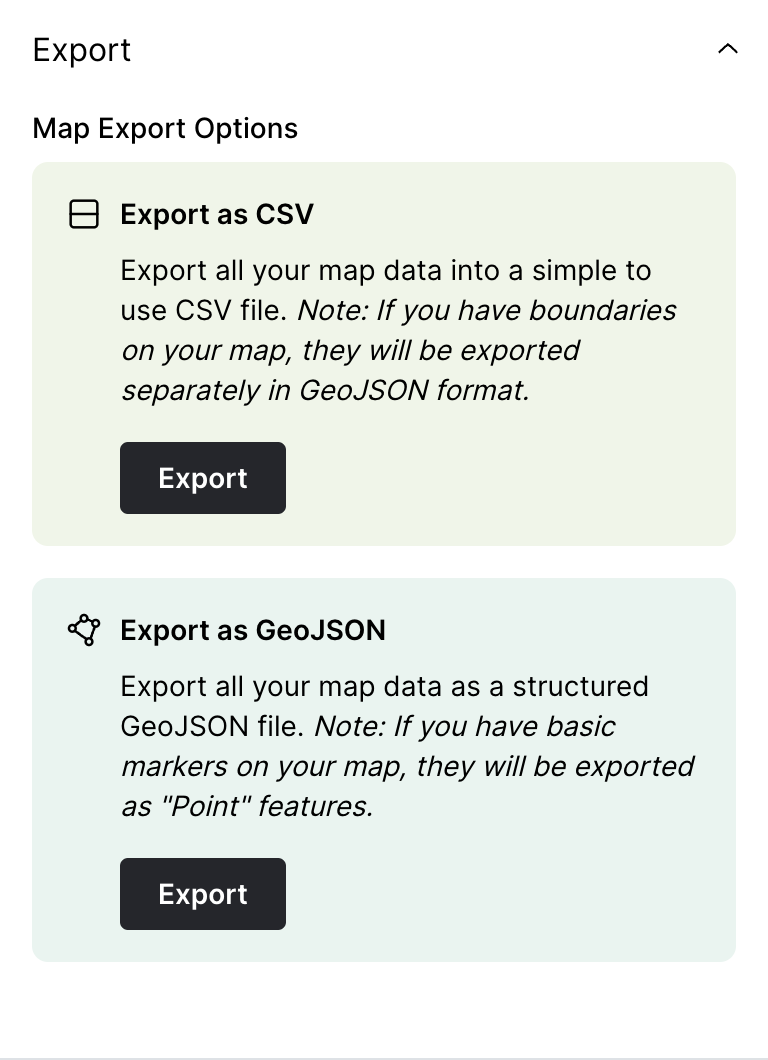
Export your map data in multiple formats, CSV or GeoJSON. If you choose CSV but have boundary data on your map, it will export both, a CSV version with single point information and a GeoJSON file for the boundaries.
Categories
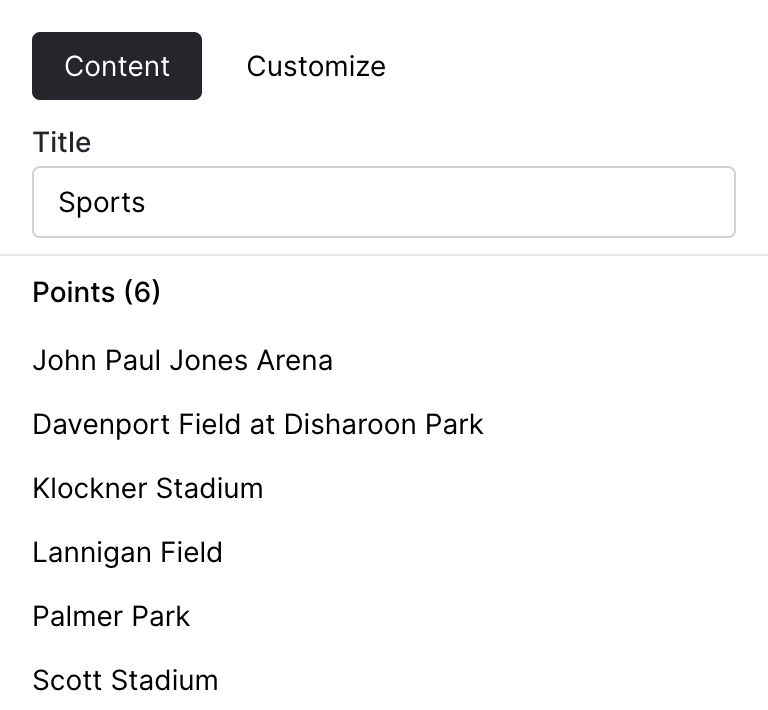
You can now view what locations are associated with each category when editing categories. Also added a count, to provide information around how many locations have been associated with each category.
---
Fixes
- Small issue when duplicating maps
- Fixed issue around editing categories
- Fixed a bug when adding locations quickly
new
improved
fixed
12/9 - Release 12
Bulk Uploads
The uploader got a little make over. It now allows for more robust mapping of your data to the required Carta Maps data. Including categories, website links, call links and more.
We also provided a better interface for large uploads, display progress as your locations are created.
Categories
You can now filter locations by multiple categories on public maps AND in the backend.
We also added free text search for locations which will help you manage locations even easier, especially when dealing with high number of points.
Bug Fixes
Fixed an issue around custom Mapbox Studio map tiles.
Provided better UI around bulk uploads
Update
We are still working on revamping categories to be multi-directional. Hoping to have more information around this next release.
new
improved
fixed
11/28 - Release 11
Crowdsourcing
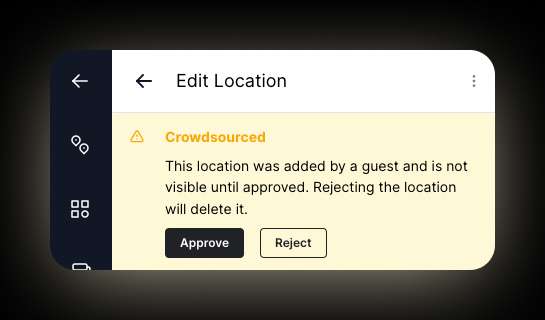
You can now enable crowdsourcing on your maps! This means that anyone with your map link can collaborate and add their own location and boundaries. By default, all locations will require your approval.
Bug Fixes
Public share and duplication icons were moved to a new location to prevent overlap with categories.
Next Release
Work has started on upgrading categories to be multi-directional. This means that locations will be able to have multiple categories. This will enable for more complex categorization and improve map search-ability.
new
improved
fixed
10/31 - Release 10 👻
Social Cards
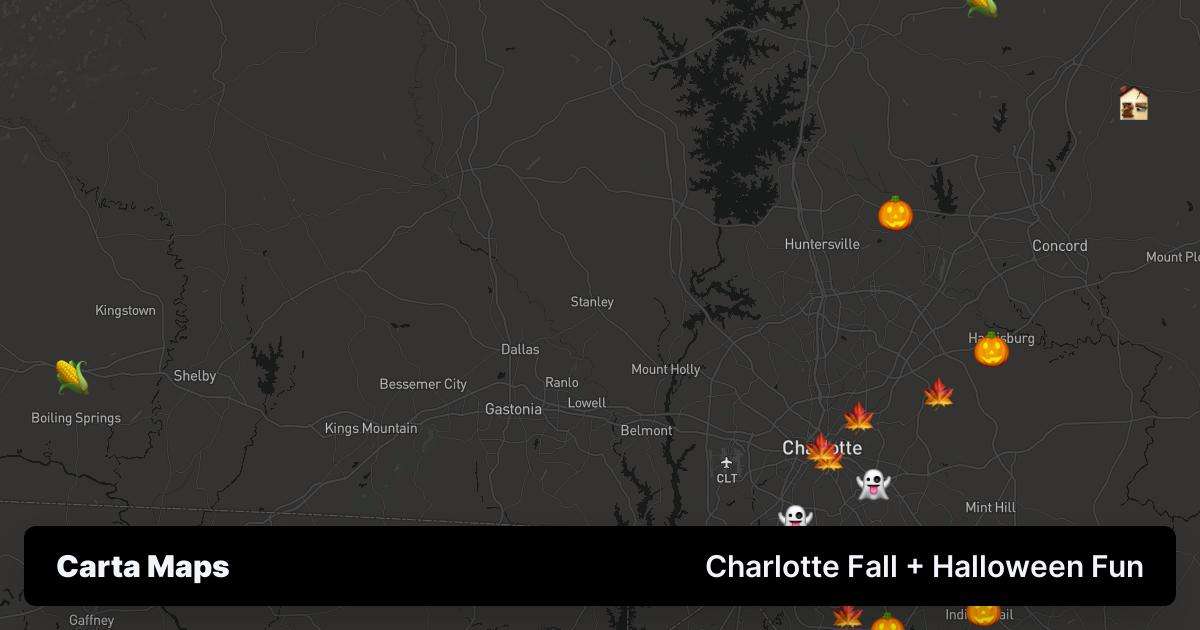
Biggest feature to date is our new dynamic social sharing cards. Now when you share a map, you get a custom thumbnail that matches 100% to your custom map. Check this one out below!
Social Sharing
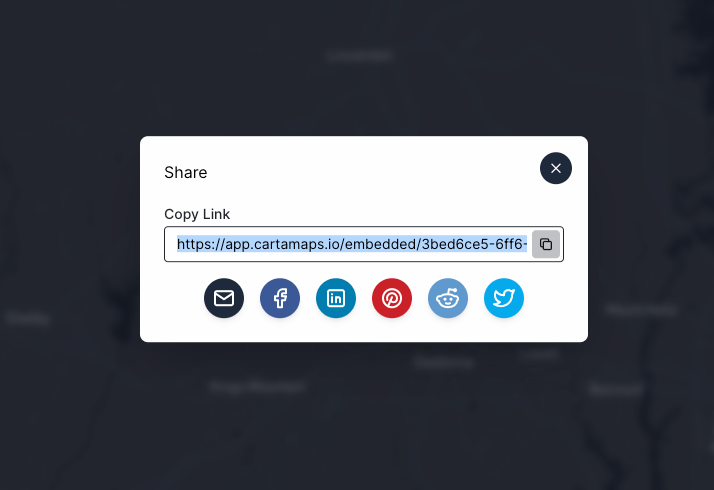
You can now share your map on your social media accounts with a single click!
Map duplication
You can now duplicate a public map with a single click. Don't have an account yet? No worries. Carta walks you through the account creation process and your duplicated map is there waiting for you in your dashboard.
Bug Fixes
* Preview mode now ensures all locations and boundaries are visible on load
* Action links now allow tel and mailto links
new
improved
fixed
10/4 - Release 9
Upload Custom Icons
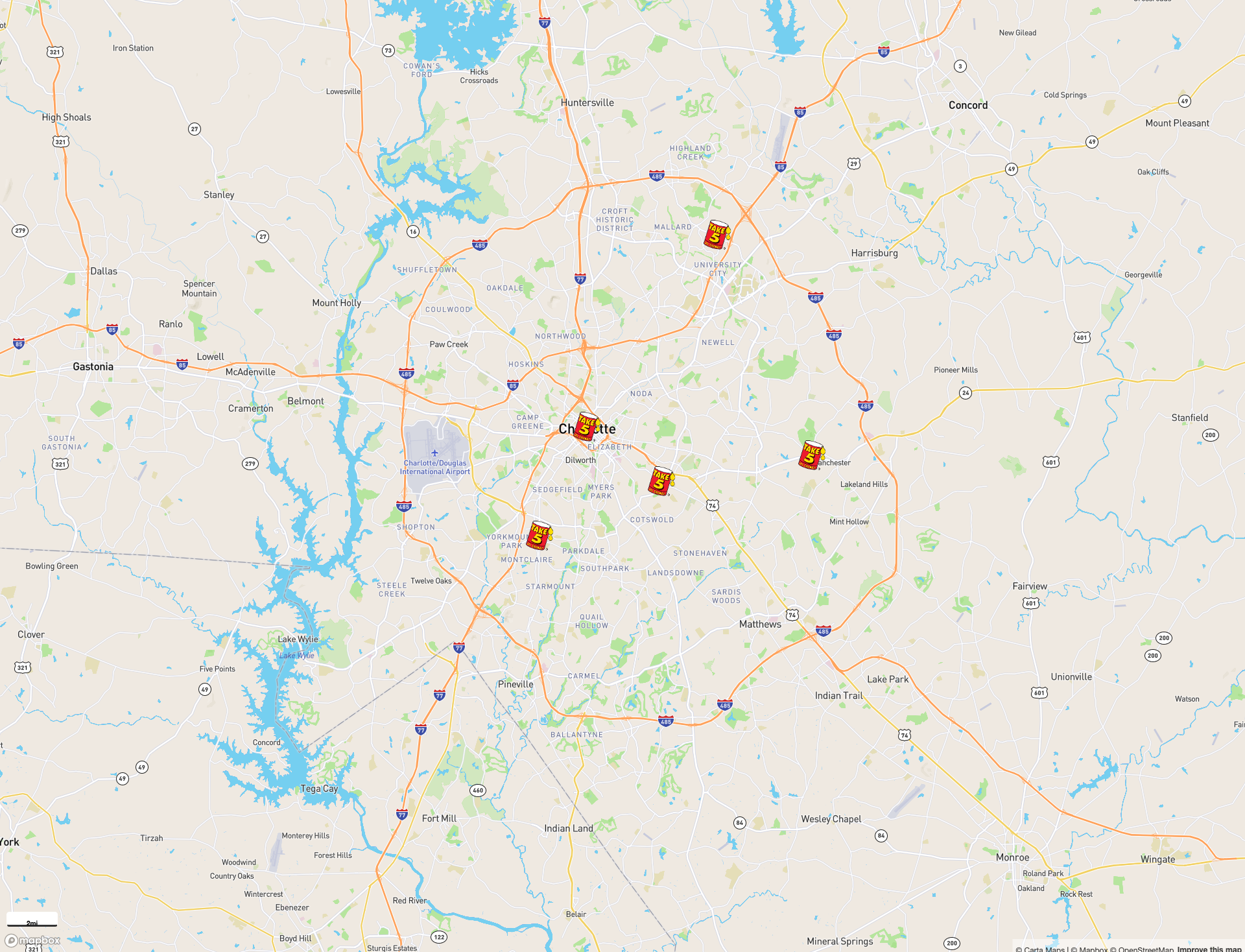
You can now upload custom images or svgs to use as your marker icons. This new feature also cascades down from a global (entire map) level down to individual locations. Making it simple to upload an image once and have it applied to all your markers.
Checkout this example map of all Take 5 Oil Change locations in Charlotte.
Bug Fixes
- Fixed an error when importing or creating sources with large datasets
- Improved error handling around imports and data sources
- Few performance updates